THE DIGICAM HANDBOOK
Digicam guides for iPhone.
Flash-lit nights. Weekends away. The little things in between. Get the digicam look on your iPhone, find your favorite film and turn the shots you love into something worth sharing.
Find the look you’re after
Into the photos on your feed? Start with the digicam aesthetic, get to know the camera and pick a film for your next outing.
 The trend
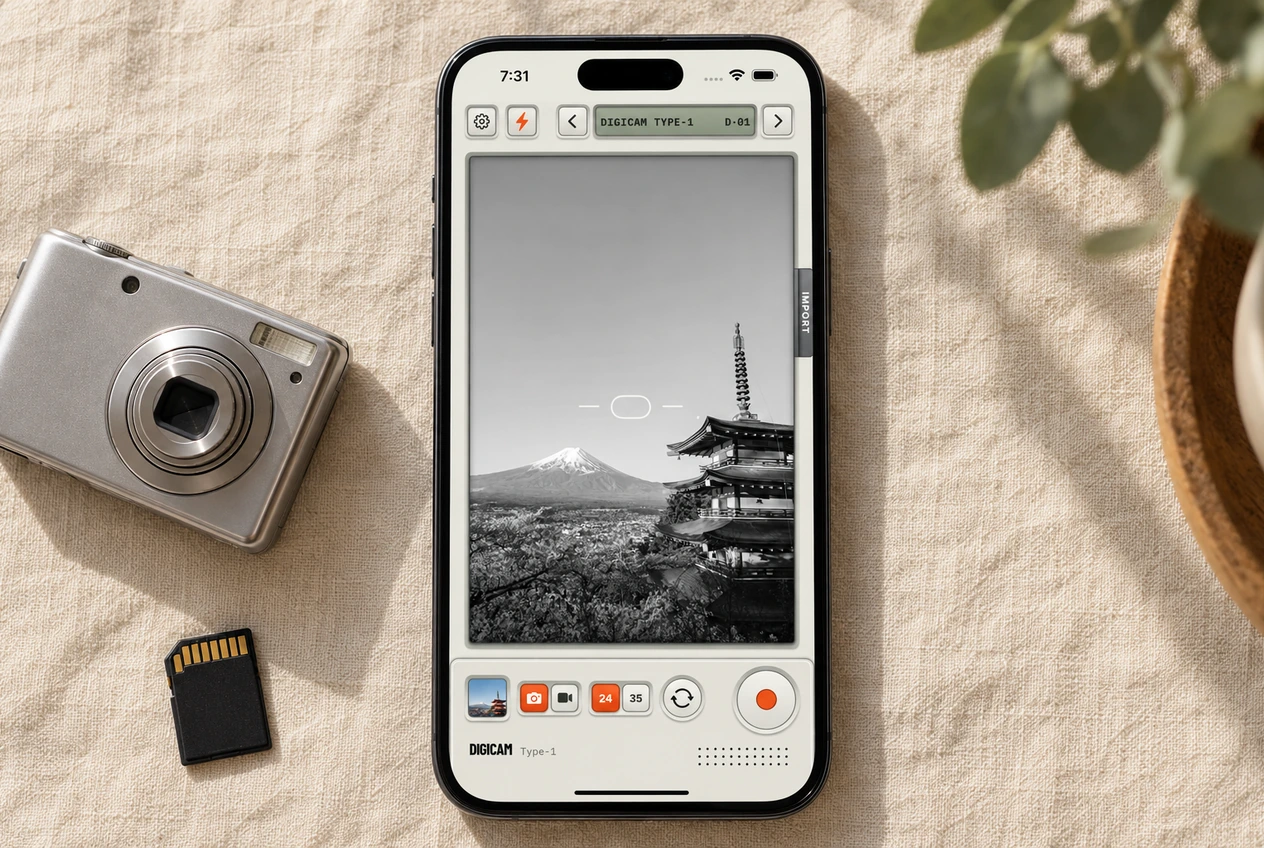
How to Get the Digicam Look on iPhone
The 2000s point-and-shoot look is back. What it actually is, why your phone can’t do it on its own, and how to get it without a twenty-year-old camera.
Read the guide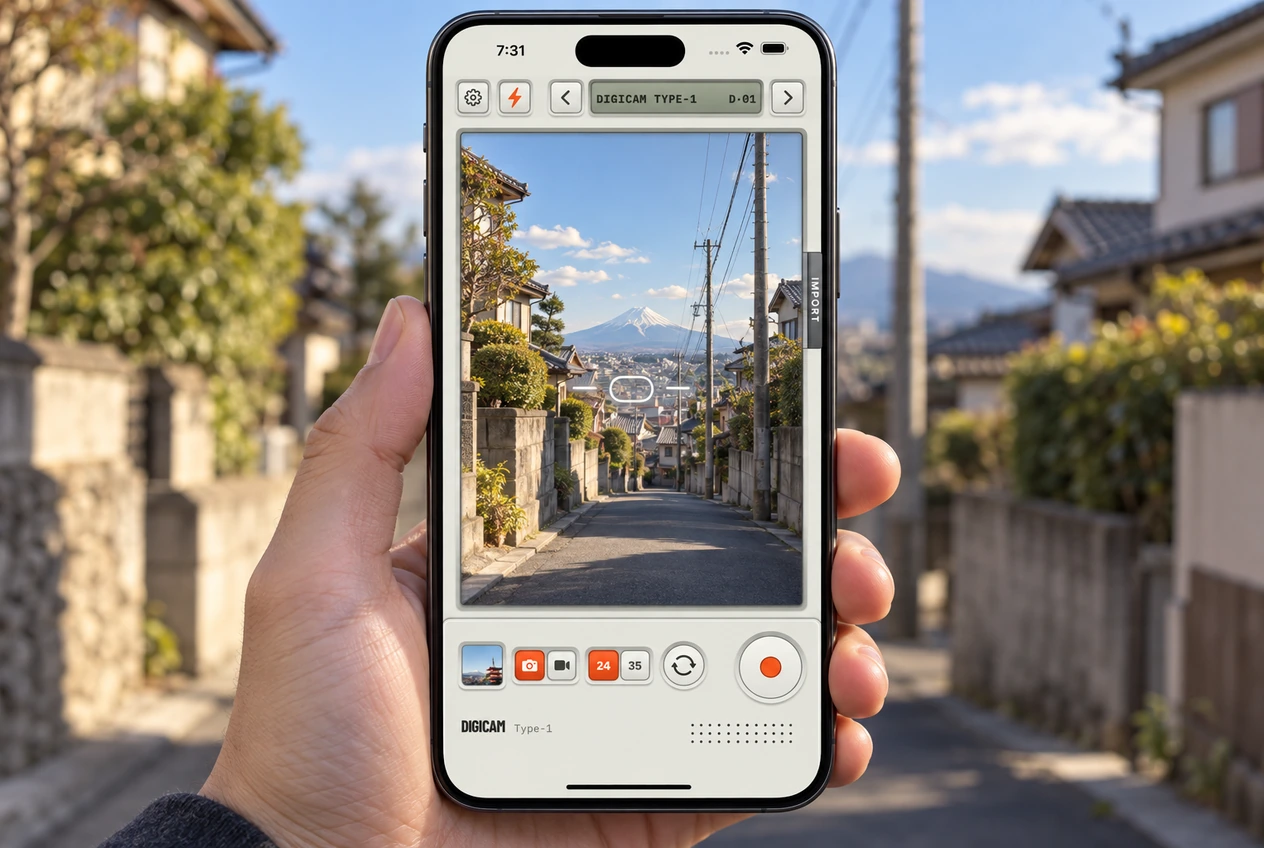 The camera
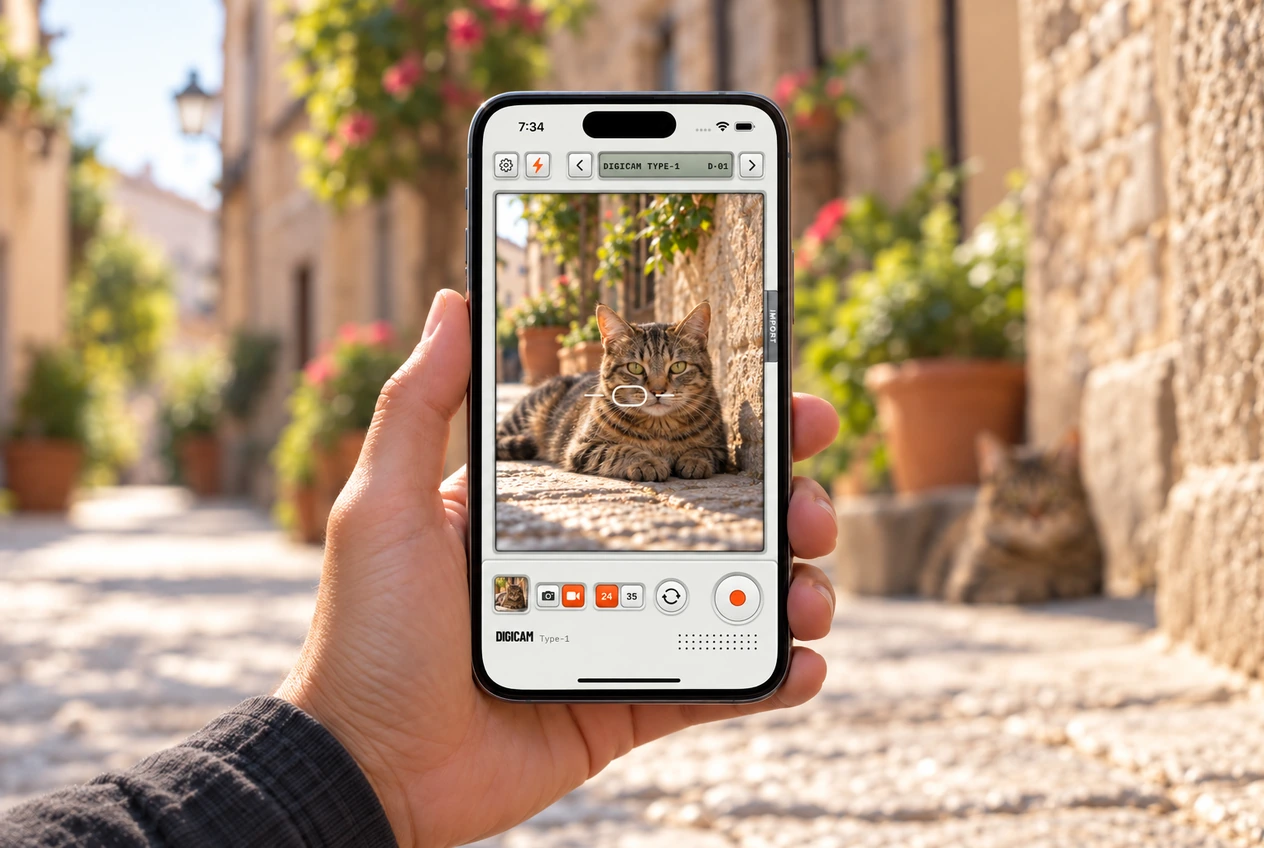
Digicam Type-1 Camera Controls, Explained
Every button on the Digicam camera screen and what it’s for. The film selector, flash, the 24 and 35 lens toggle, Import, and the orange shutter.
Read the guide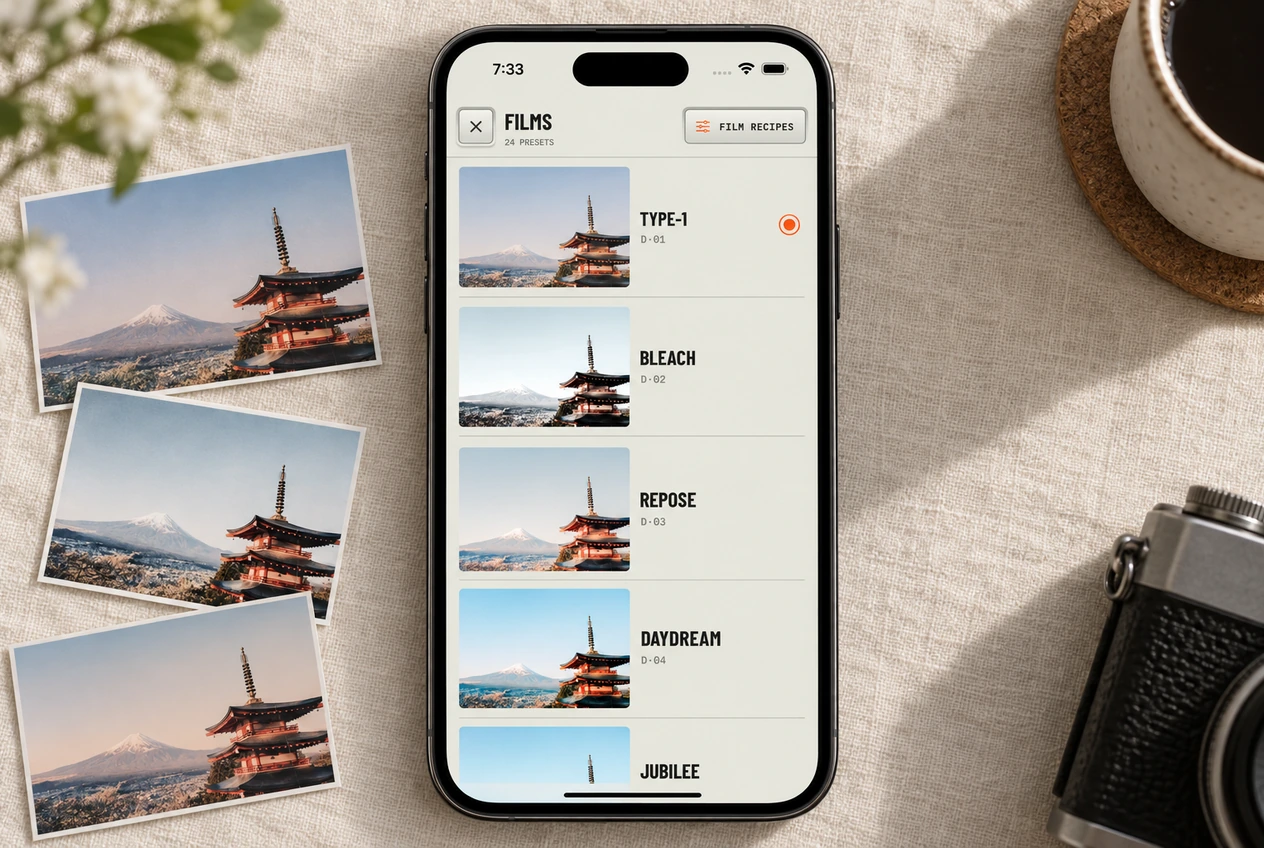 Films
FilmsWhich Film Look Should You Use? A Guide to All 24
How to flip through the 24 films live in the viewfinder, which five to try first, and the full roll with codes.
Read the guideMake it your kind of memory
A night out, a weekend away, the photos from last summer. Shoot with a look you like or give your camera roll another go.
 Shooting
How to Shoot Photos and Video With a Film Look on iPhone
Frame it. Press the orange button. That’s it. How Digicam shoots photos and video with the film already on, and where everything ends up.
Read the guide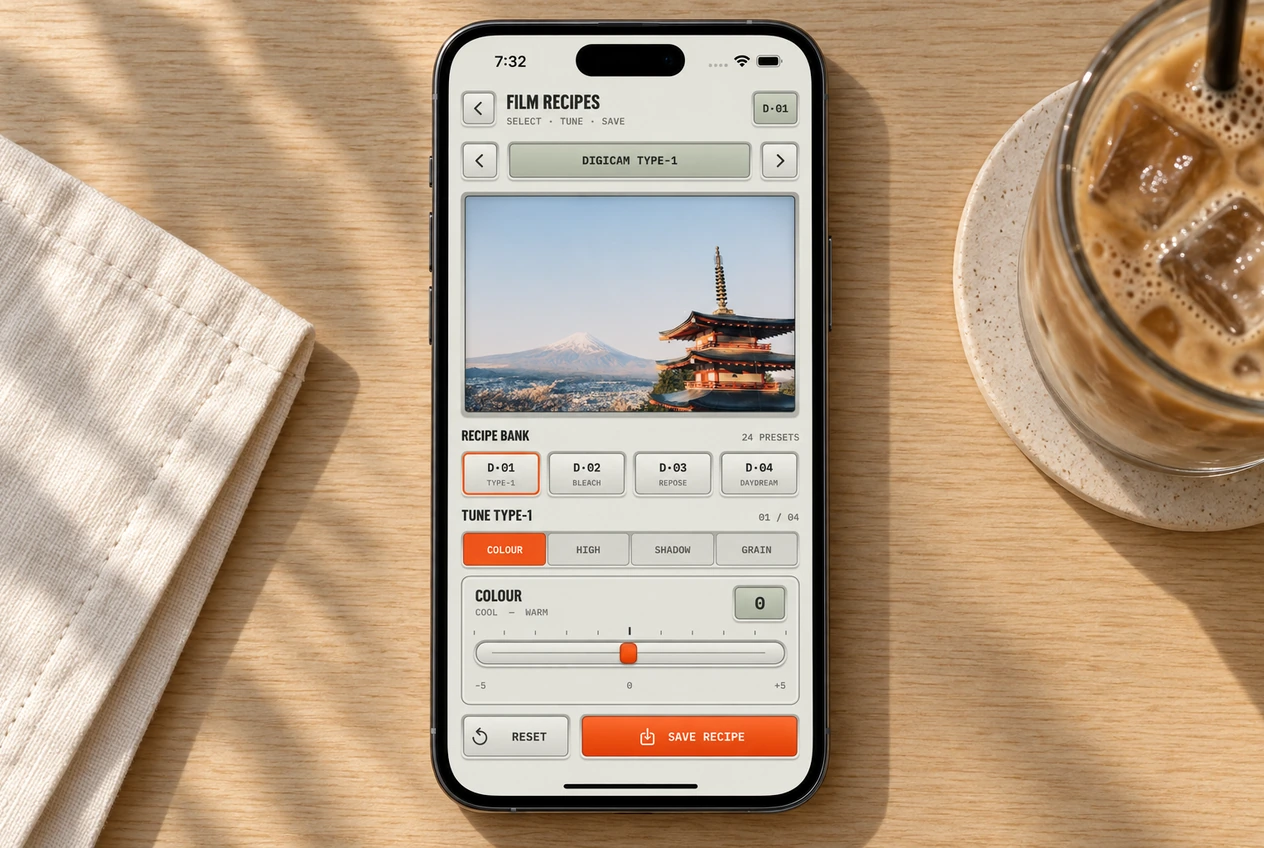 Recipes
Film Recipes: How to Tune Your Own Digicam Look
Every film has four sliders: color, highlights, shadows, grain. How to tune one, save it, and get the stock look back.
Read the guide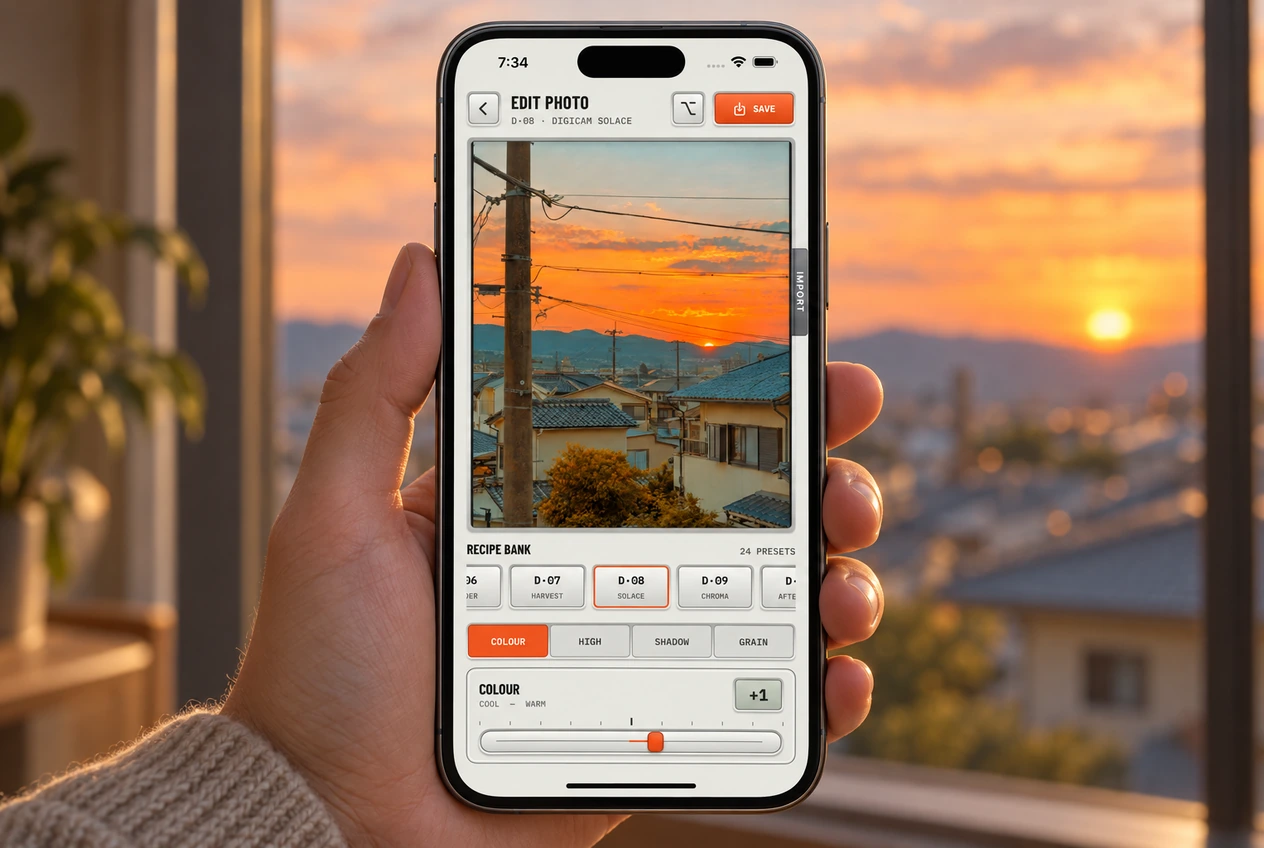 Editing
How to Give Old Photos the Digicam Look
Any photo in your library can get a film. Import it, pick a look, compare with the original, and save a new copy.
Read the guideYour photo dump, ready to go
Pick the keepers, show how you got the look and get the app set up before the next group shot.
 Gallery
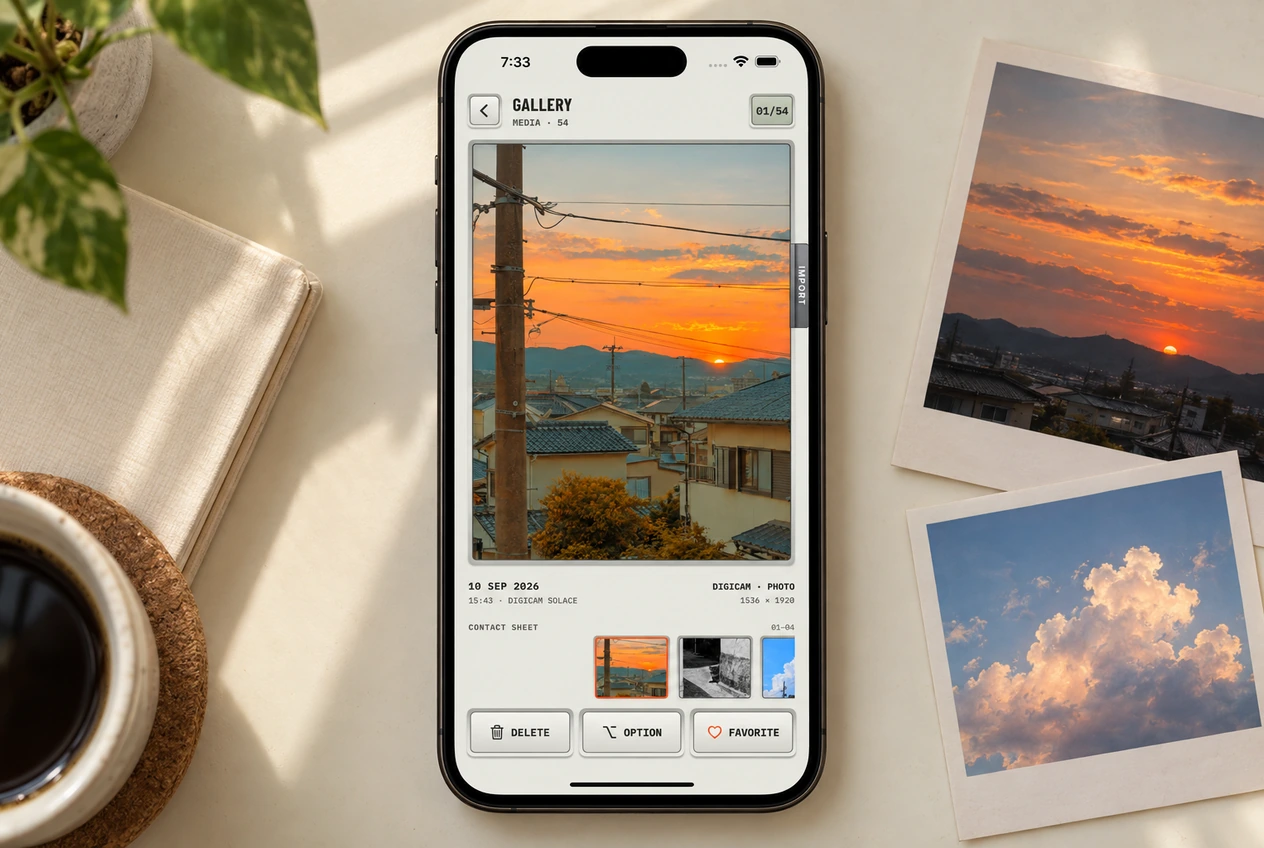
The Digicam Gallery: Contact Sheet, Favorites, and Re-editing
Your photo dump, ready to go. The contact sheet, favorites that sync to Photos, and everything under the Option menu.
Read the guide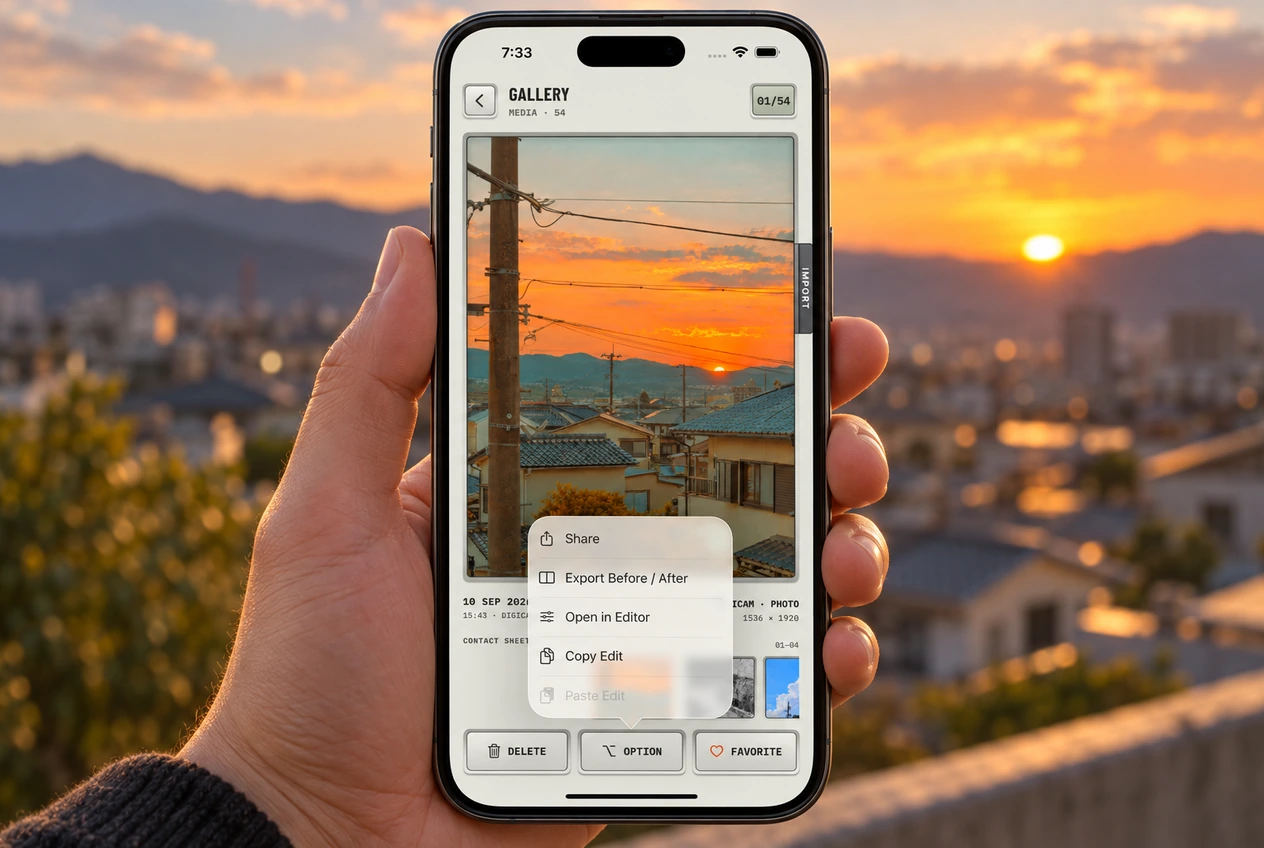 Sharing
How to Make a Before-and-After Video for Your Stories
Turn any edited photo into a short before-and-after video with sound. Rendered on your phone, ready for Stories, Reels, or TikTok.
Read the guide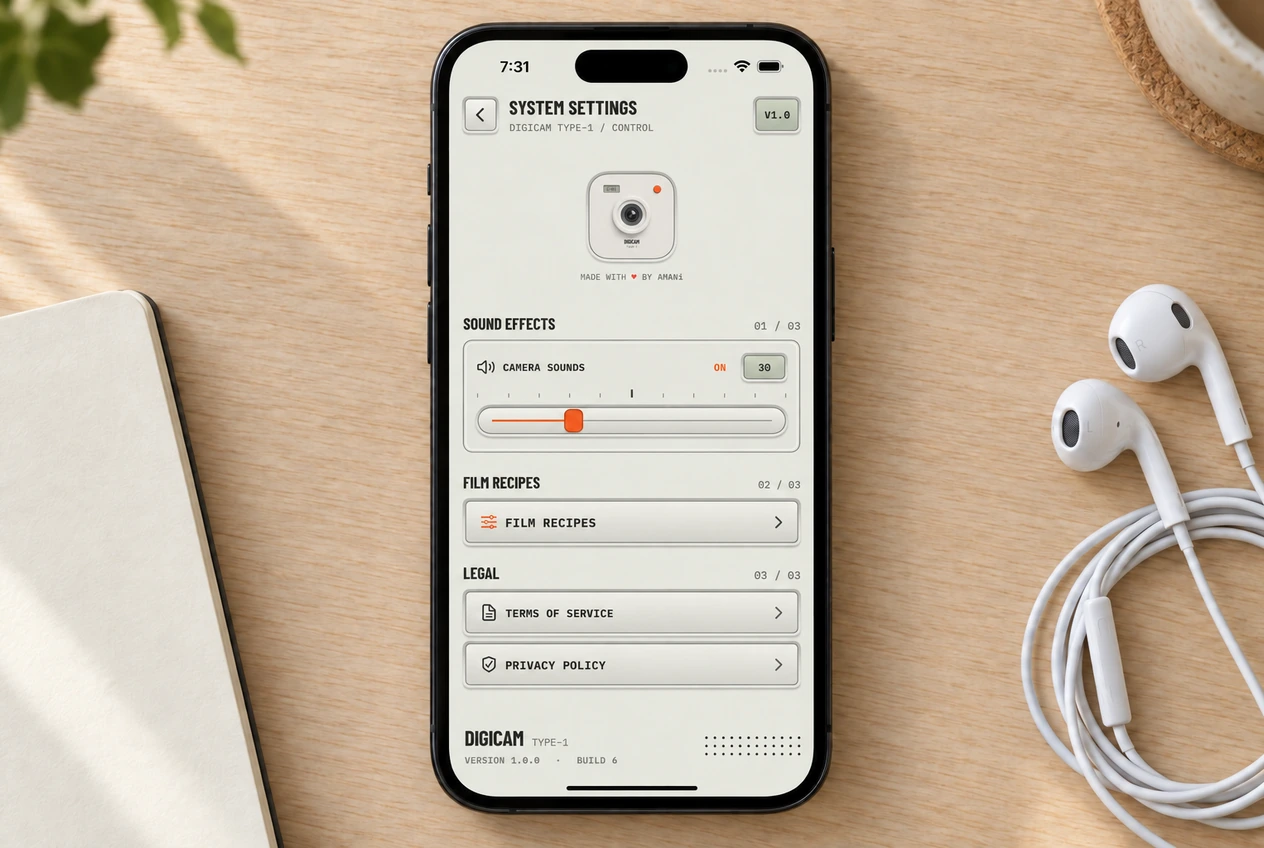 Settings
Digicam Settings: Camera Sounds, Permissions, and Privacy
The camera sounds slider, the three permissions Digicam asks for, and why nothing you shoot leaves your phone.
Read the guide