A DIGICAM FOR YOUR IPHONE
That digicam look.
Skip the eBay hunt.
Grainy, warm, a little off. You know the look.
Now it’s built into your iPhone camera.
24 films. Photos and video. No SD card.
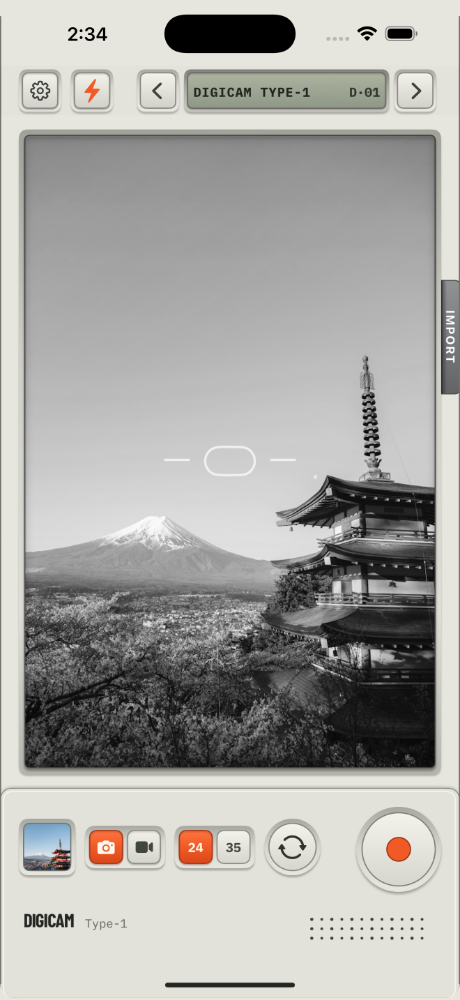
24 FILM LOOKS
Pick a film. That’s the whole edit.
Phone photos all look the same. Sharp, clean, a bit clinical. These don’t. Each film has its own color and grain. You see it in the viewfinder before you shoot. It works on video too, and on photos you already have. Drag the slider to see for yourself.
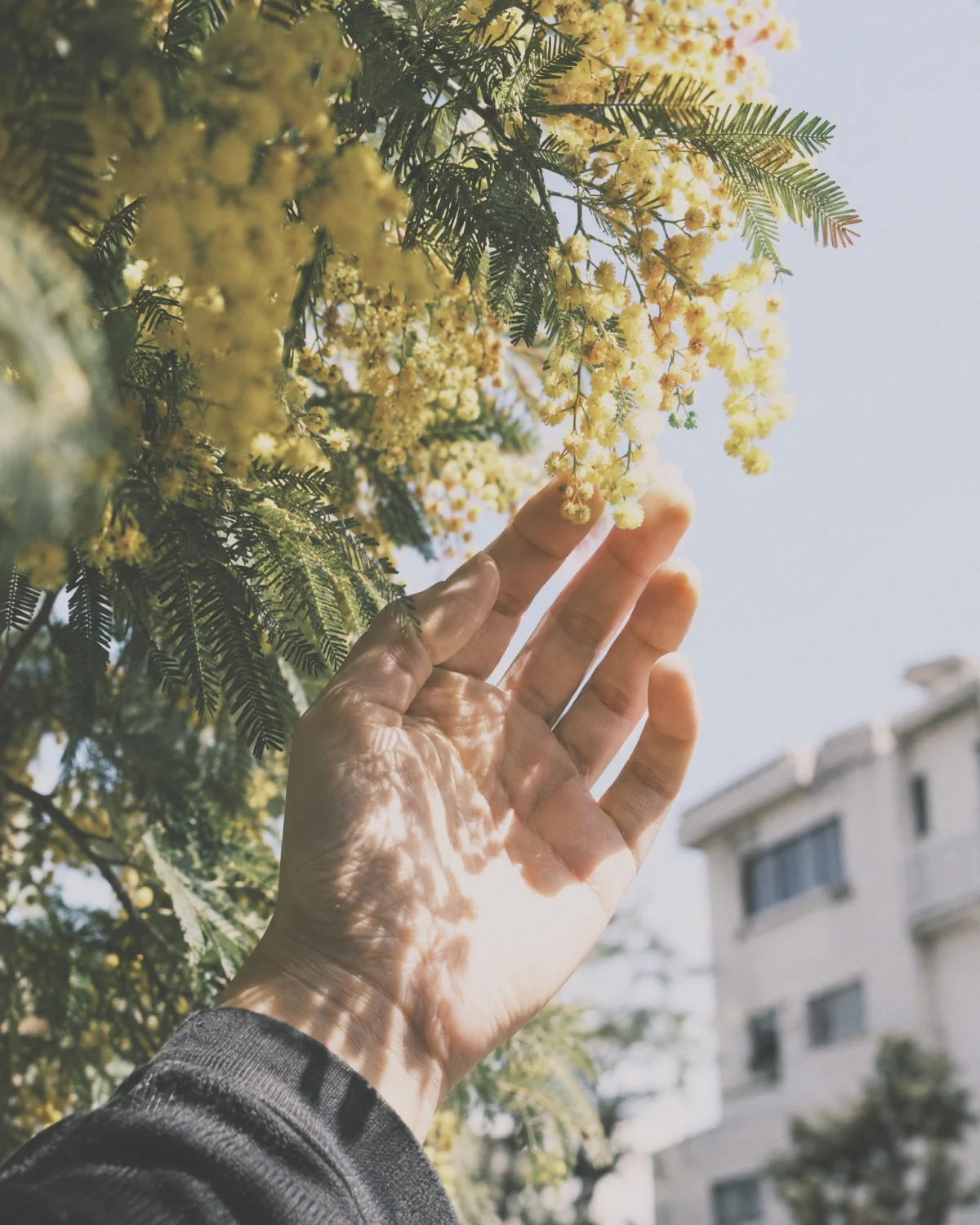
Blue hour, on demand.
Cool light, deeper shadows, a little more color. The ten minutes after the sun drops, whenever you want them.
One of 24 film looks.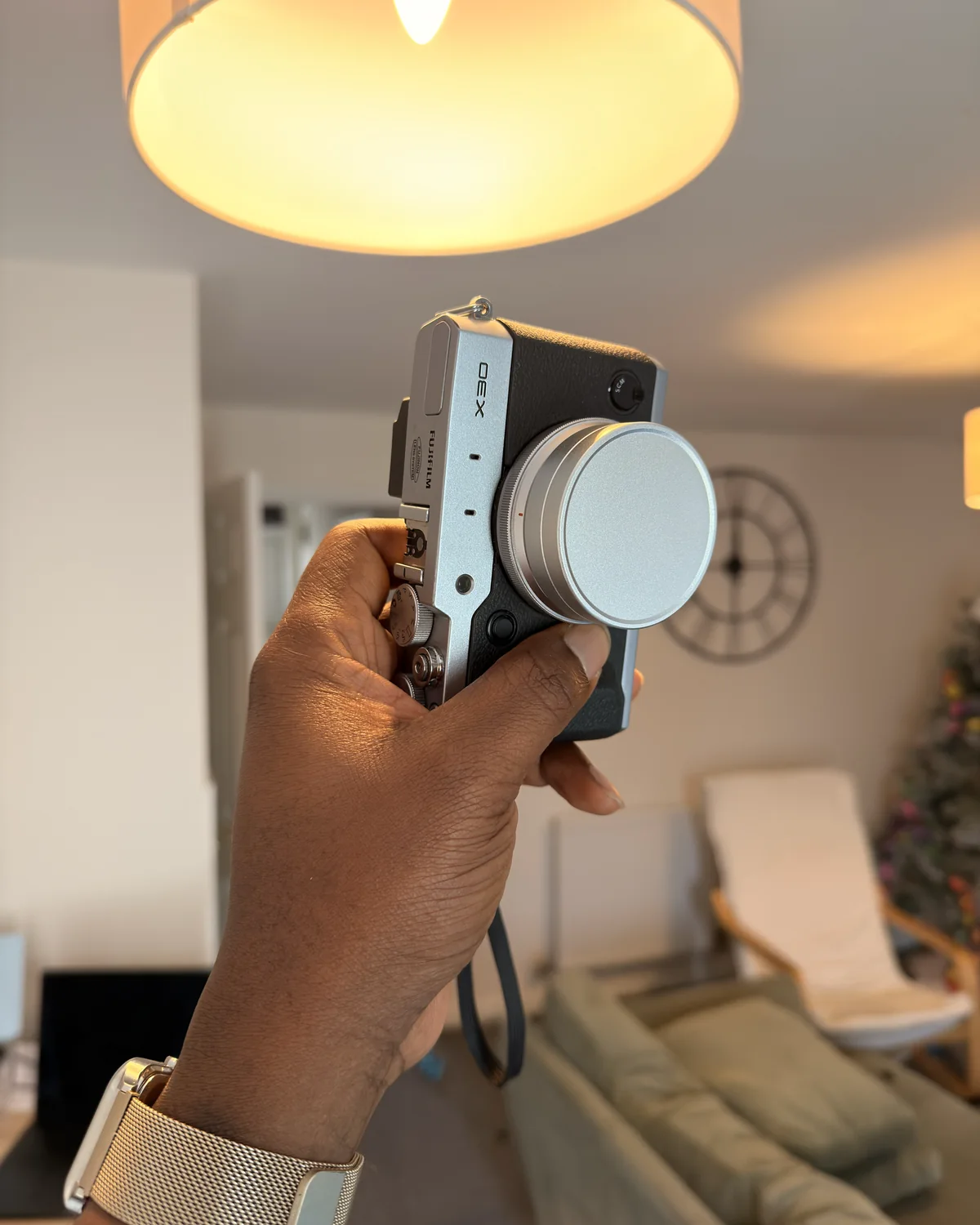
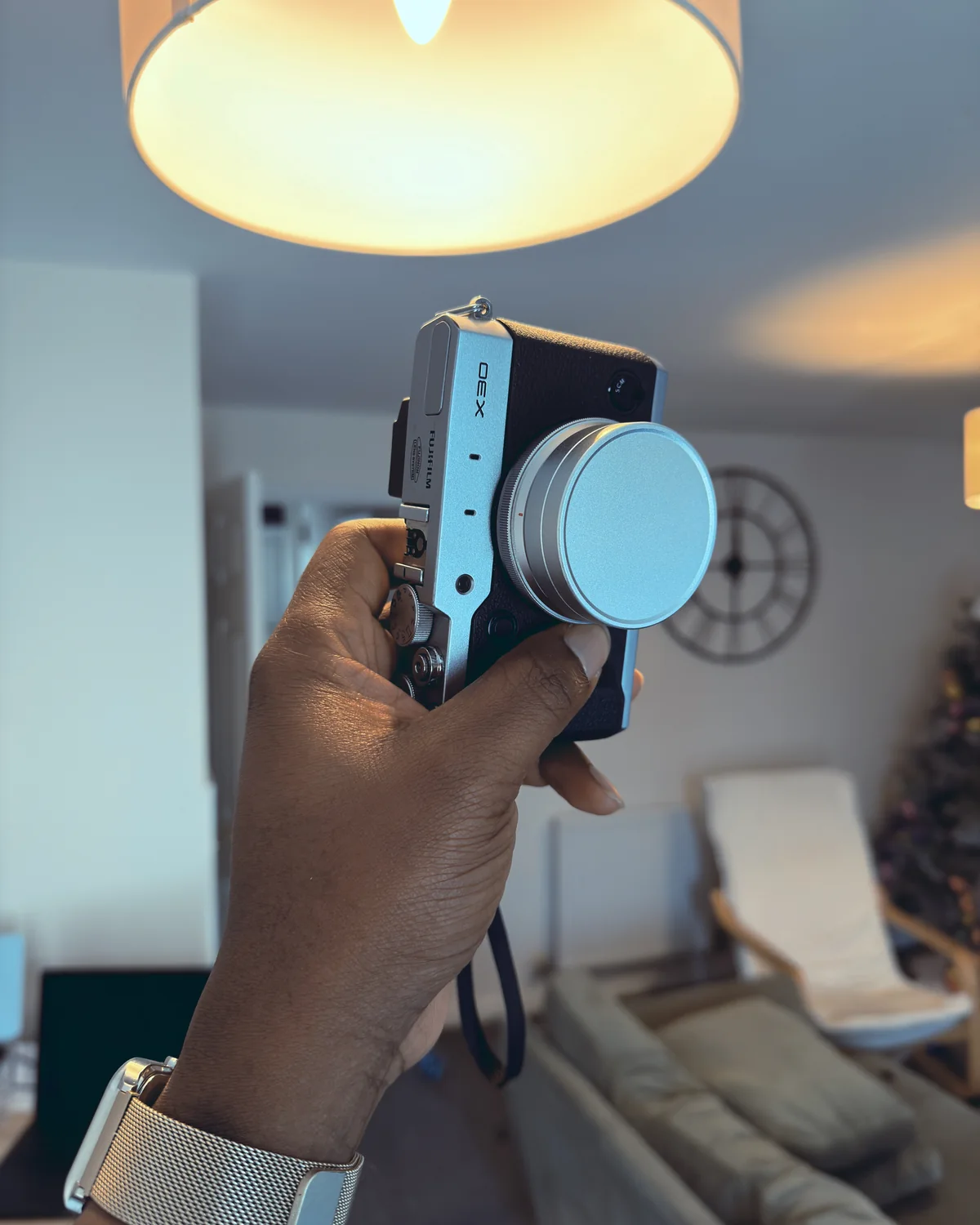
Drag to compare
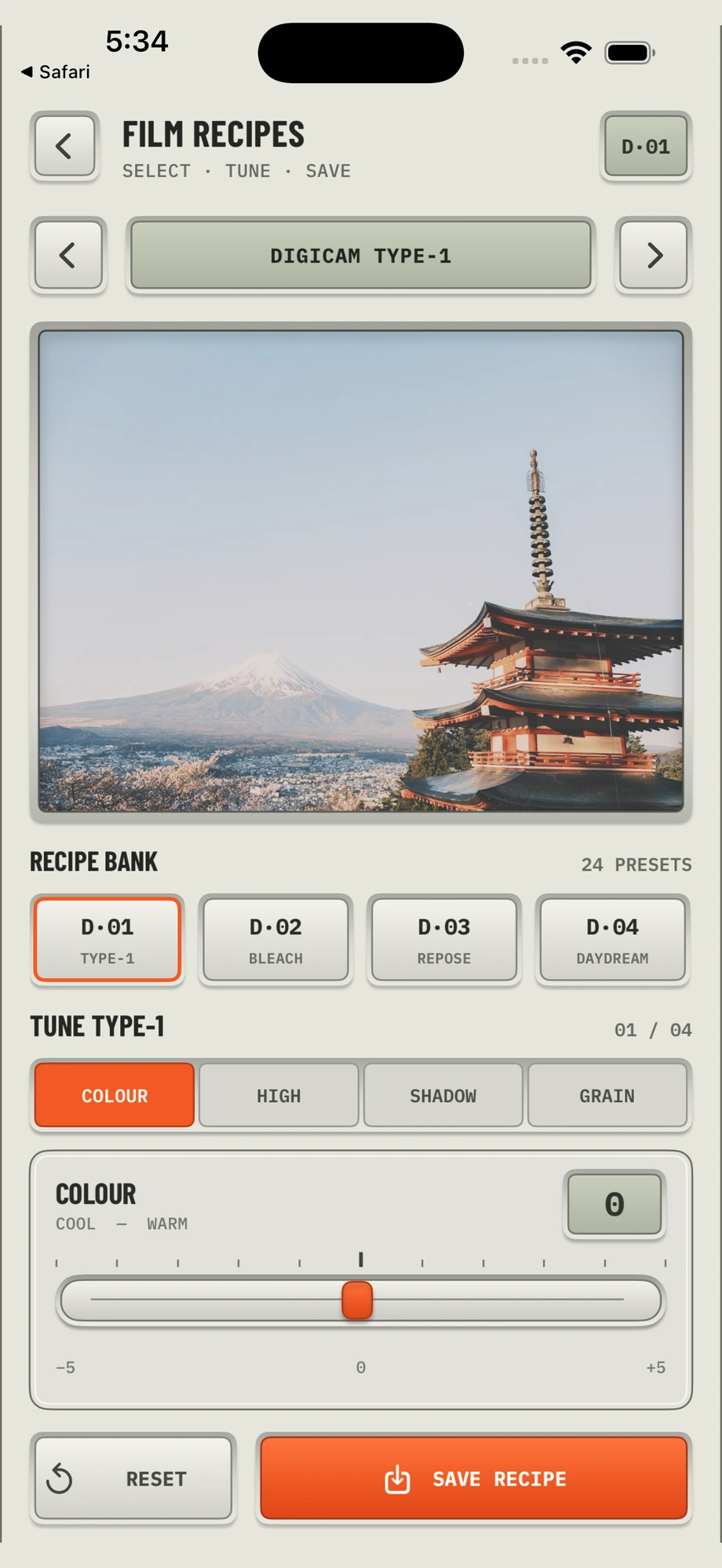
FILM RECIPES
Want it grainier?
Go for it.
Four sliders: color, highlights, shadows, grain. Move them until it looks right and hit save. From then on, that film shoots your way, right in the viewfinder. No editing app. No preset pack. Changed your mind? Reset puts it back.

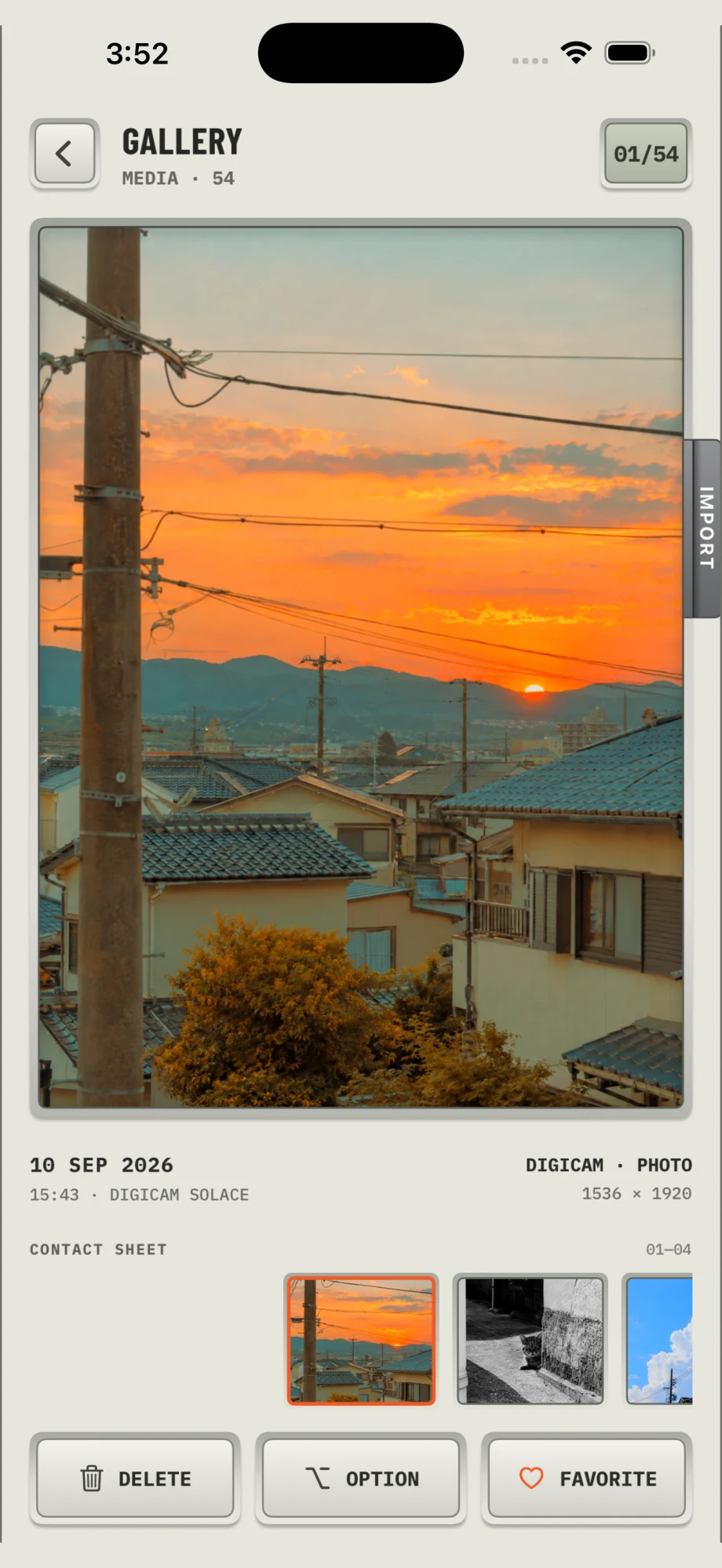
YOUR GALLERY
Your photo dump, ready to go.
Every photo and video you shoot, in one spot. Each one shows which film you used, so you can shoot more like it.

Learn the digicam look.
Short, practical guides to the app and the look. Start anywhere.
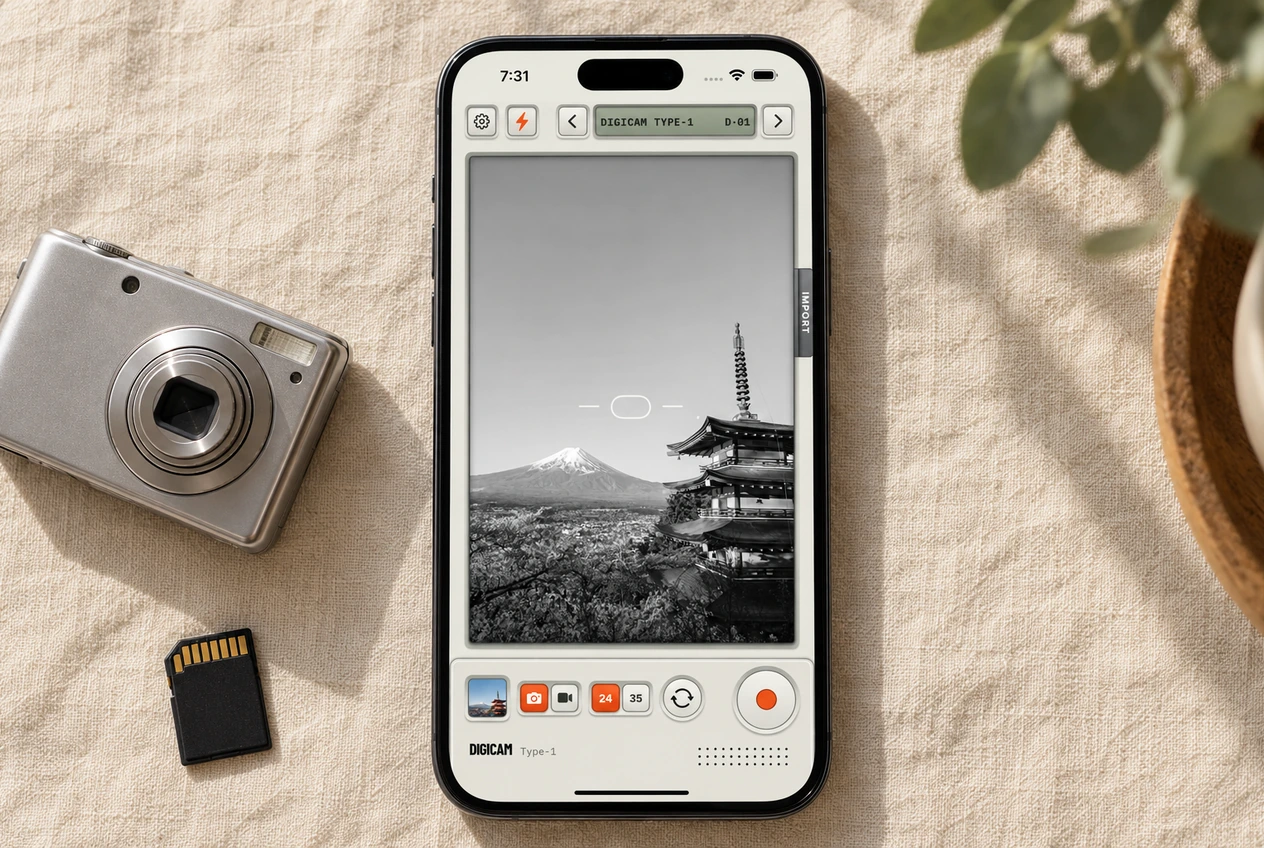 The trend
How to Get the Digicam Look on iPhone
The 2000s point-and-shoot look is back. What it actually is, why your phone can’t do it on its own, and how to get it without a twenty-year-old camera.
Read the guide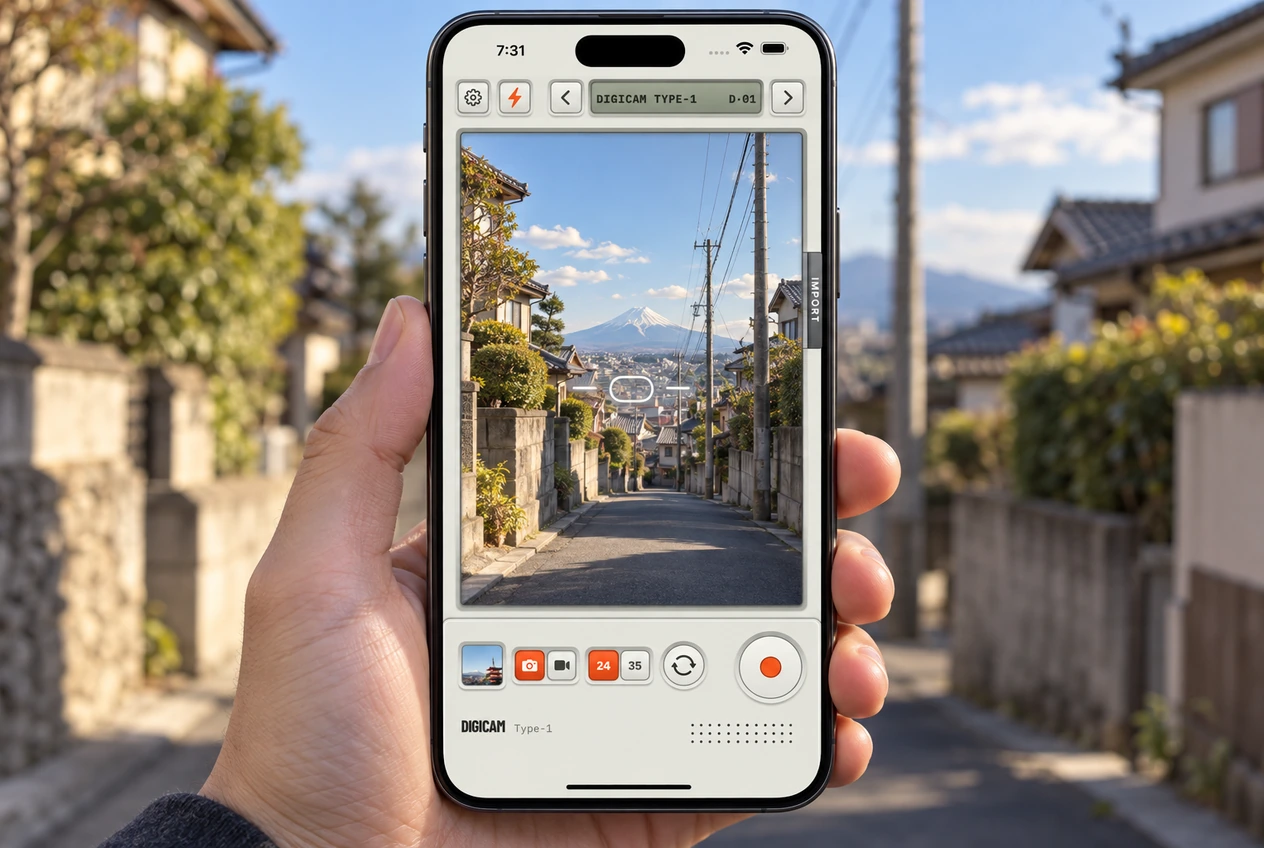 The camera
Digicam Type-1 Camera Controls, Explained
Every button on the Digicam camera screen and what it’s for. The film selector, flash, the 24 and 35 lens toggle, Import, and the orange shutter.
Read the guide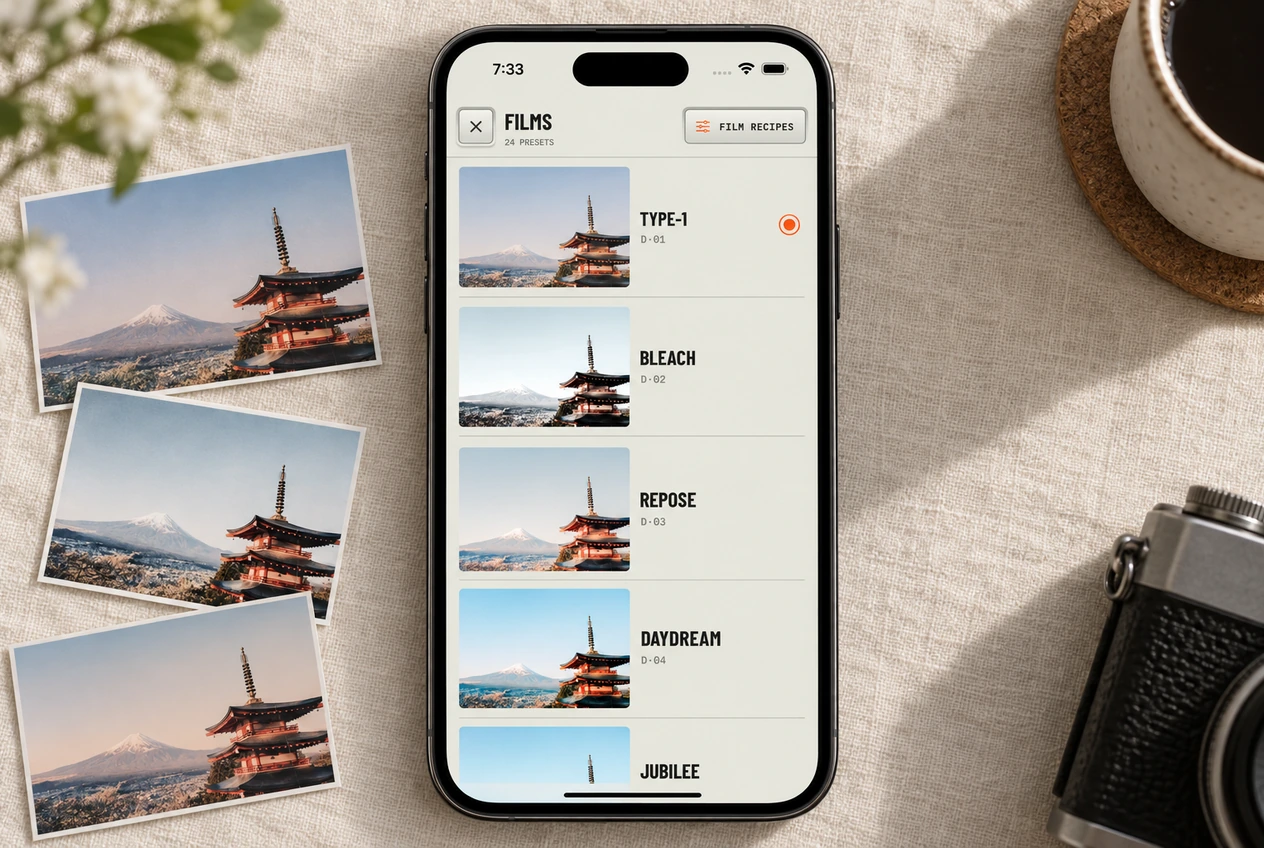 Films
FilmsWhich Film Look Should You Use? A Guide to All 24
How to flip through the 24 films live in the viewfinder, which five to try first, and the full roll with codes.
Read the guideQuestions people ask.
Does it work for video?
Yes. Flip the camera to video and the film applies to the recording, same as a photo. Sound records with it.
Where do my photos go?
Straight into your camera roll, in an album called Digicam. Mark one as a favorite in the app and it is a favorite in Photos too.
Does anything leave my phone?
No. Every photo and video is processed on your phone and the app never uploads them. There is no account to make.
Can I change the film after I shoot?
Yes. Open the shot in the gallery, choose Open in Editor, and pick a different film. Digicam keeps the original underneath, so nothing is baked in. You can also copy the look from one photo and paste it onto another.
What is a recipe?
A film plus your own tuning. Every film has four sliders. Save your settings and that film remembers them. Reset brings the stock look back.
Which iPhones does it run on?
Any iPhone on iOS 17 or later.
Can I turn the camera sounds off?
Yes. There is a volume slider in Settings. Slide it all the way down and the camera goes quiet.
When can I get it?
Digicam Type-1 is available now for iPhone. Download it on the App Store
Digicam Type-1
Okay, go shoot something.
Pick a film, point, shoot. It’s already in your camera roll.
Download on the App StoreMade for iPhone. Everything stays on your phone. No account, no uploads, no SD card.